Your Google Account is your digital castle and it is the key to your online empire. As a digital publisher, webmaster or content creator, this is where your Google AdSense account, website analytics, domain name and cash register are all kept. Just one hacked account can throw your business into chaos, drying up your monthly earnings and throwing away years of hard work in SEO.
Keep your Google empire safe with these 15 Google security tips that will protect your online business and keep those monthly AdSense cheques coming.
Upgrade to Passkeys or Physical Security Keys
Text message codes and passwords are increasingly insecure, as they are vulnerable to phishing by adversaries-in-the-middle. Upgrading your sign-in method to a physical hardware key (such as a YubiKey) or passkey (device-bound cryptographic key) will ensure that authentication takes place using a domain-bound cryptographic key, preventing adversaries from impersonating sites and obtaining your credentials.
Enroll High-Value Accounts in Advanced Protection
If your Google Account has significant financial assets or important web properties, you should consider the Advanced Protection Program. This free program enforces hardware-key requirements, prevents unauthorized third-party apps from accessing your Drive and Gmail data, and enforces stricter identity verification during account recovery
Apply the Principle of Least Privilege to AdSense Roles
Giving full administrative access to every developer, editor, or manager puts you at much greater risk. You should routinely review the User Management tab for your Google AdSense and Search Console accounts. And always remember to give your collaborators the minimum access level (Standard User may be sufficient) or delete their access if they are no longer working for you or your company.
Require 2-Step Verification Across Linked Accounts
Using a stand-alone password for a user account without two-factor authentication can present risks if that password were to be compromised. Enforce 2-step verification for all your primary Google accounts, as well as any and all secondary accounts associated with your publishing network. This secondary step helps prevent automated login scripts from gaining access to your user account(s) if their password(s) have been compromised.
Audit Third-Party App Permissions & OAuth Tokens
As time goes by, webmasters connect numerous external platforms, such as automated SEO auditors, email tools, chrome extensions, etc., to their Google account. Go to your Google Account Security Settings and check Apps with access to your account. Revoke permissions from old and unused services.
Keep Recovery Info Current and Fully Protected
During the account recovery procedure, Google will ask you to give your information from your second phone number and recovery email address to verify your identity. So if your recovery email gets hacked by an intruder, then they will be able to access your primary Google account. Make sure that your recovery information is updated and that your recovery email account is secured with a strong unique password and two-step verification.
Replace SMS Codes with Authenticator Apps
SMS-Based two factor authentication can be vulnerable to SIM swapping, whereby a scammer can coerce a telecommunication provider into transferring your phone number to a new SIM card. Change default SMS-based 2-Step Verification to Time-based One-time Passwords (TOTP) authentication apps such as Google Authenticator or 1Password that generate codes on your local machine.
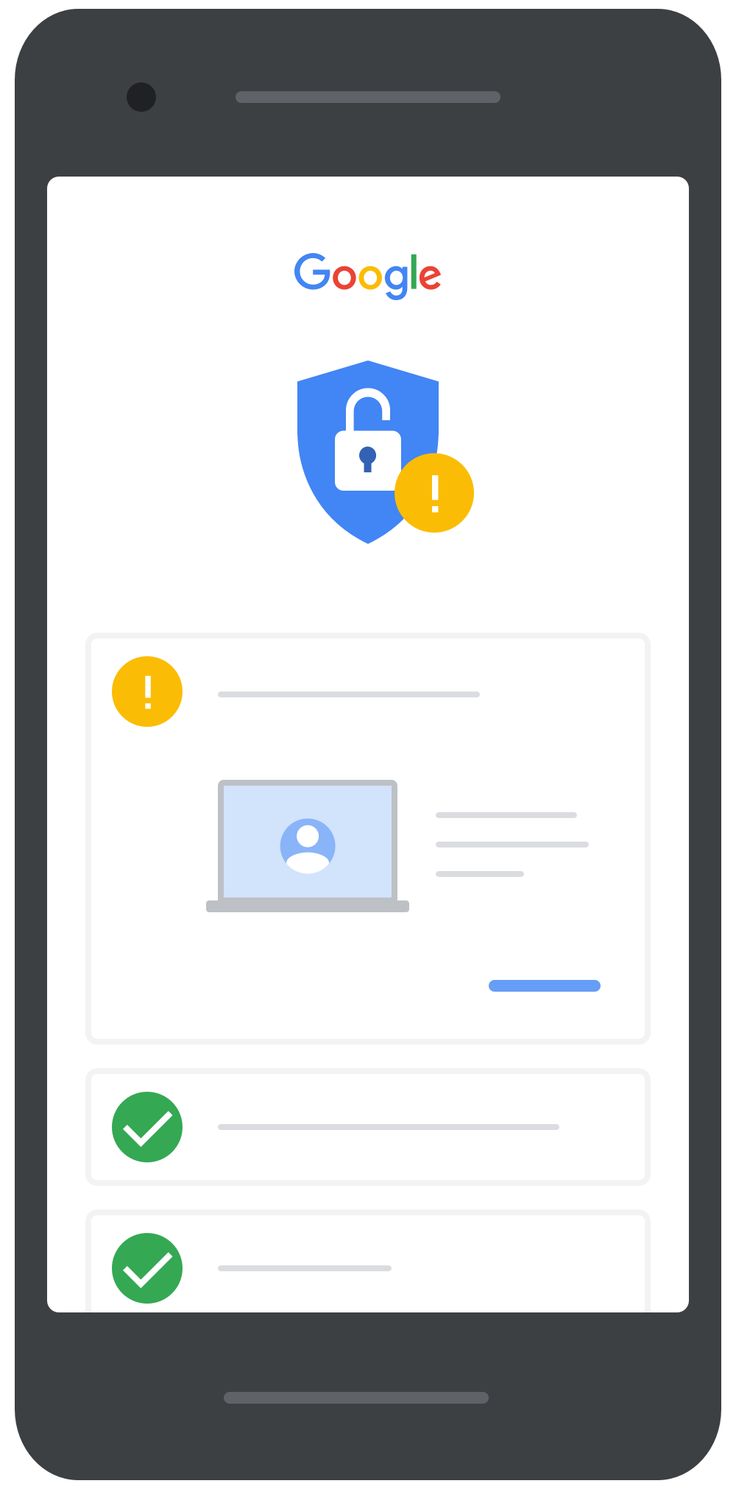
Schedule Regular Google Security Checkups
Google has its dashboard (https://myaccount. google.com/security-checkup) that can help the user uncover the configuration risks. It is possible to set a reminder for a Security Checkup in the calendar. The Google dashboard may also remind of authorized devices that can sign in to the account, which are not on the user’s account, weak passwords saved in the Chrome browser and unverified recovery options.
Revoke Stale Device Sessions
Leaving your account logged into a shared desktop, at a friend’s house, an old phone, or a second computer can leave you open to attack. Navigate to Your Devices in your account settings. Log out of any devices that you’re not currently using or that you don’t recognize.